
Connect vs. Capture vs. Engage: Which Guest WiFi tier fits your customer?
Connect, Capture, or Engage? A quick guide to Purple's three Guest WiFi tiers, so you can recommend the right one for every customer.
Purple now supports certificate-based WiFi via MDM. Push WiFi certificates through Intune, Jamf or JumpCloud for zero-touch staff WiFi access.
Purple now supports certificate-based WiFi via MDM (mobile device management). IT admins can push a Purple certificate to every company-managed device through Microsoft Intune, Jamf or JumpCloud, and those devices join the staff WiFi securely with zero input from the employee.
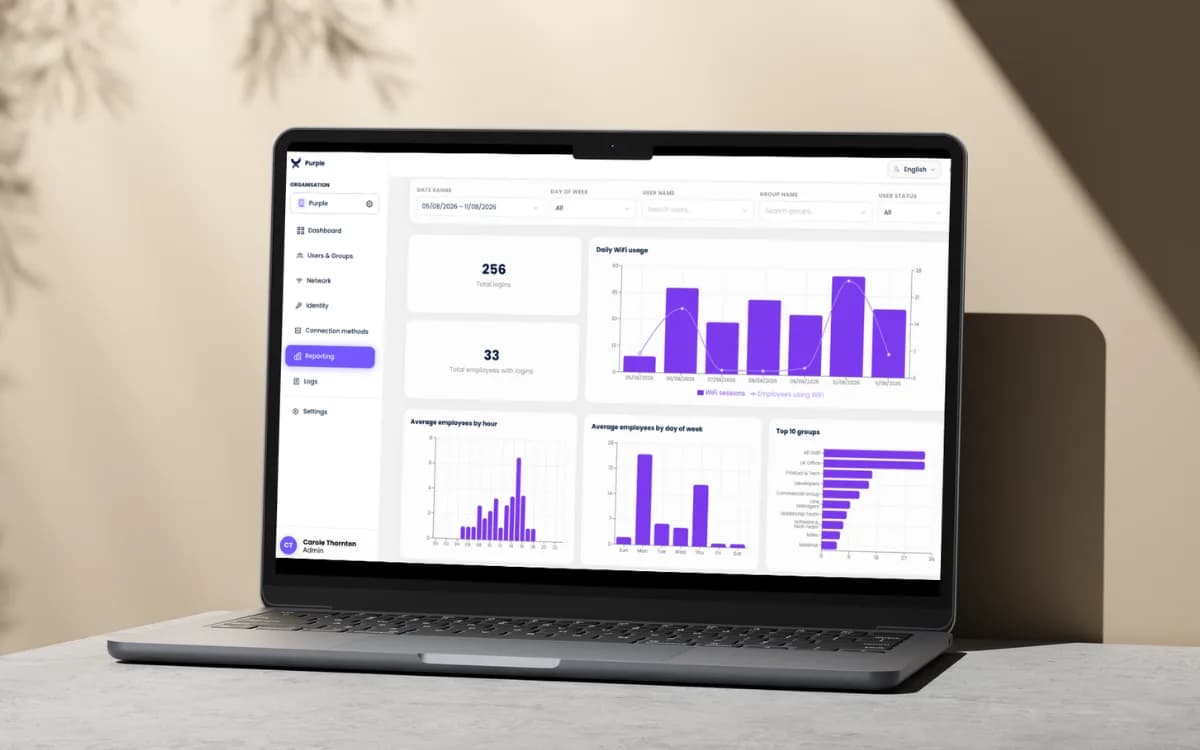
It's a second route onto the same identity-based Staff WiFi network, sitting alongside the Purple app. Managed devices connect automatically in the background. Personal and BYOD devices keep using the app. Both show up in one dashboard.
For partners, that means one Staff WiFi answer for the whole device estate, with no extra servers or hardware for your customers to run.
IT teams already use their MDM tool to set up company laptops and phones. They can now use that same tool to send each managed device a digital certificate, which acts as its WiFi pass.
Once the certificate is on the device, it connects to the staff WiFi automatically and securely. The employee doesn't need to install an app, enter a password or do anything at all.
Purple handles the authentication in the cloud, so there's no extra hardware or servers for your customers to run.
For personal and unmanaged devices, we still recommend the Purple app. It gives seamless, secure access and removes it automatically when someone leaves.
This works on any device, from a company laptop to a personal phone or BYOD tablet, because all it needs is the app and a login. No MDM required.
When someone leaves, IT disables their work account and their WiFi access stops working on every device they used.
Use certificate-based via MDM for company-managed devices, and the Purple app for everything else. The MDM route is an addition, not a replacement.
| Purple app (app-based) | Certificate-based via MDM (new) | |
|---|---|---|
| Best for | Personal, BYOD and unmanaged devices, or managed devices where IT prefers not to push certificates | Company-managed devices enrolled in an MDM |
| Employee action | Install the app and sign in once | None |
| IT setup | No MDM integration needed | One-time MDM configuration |
| Works on BYOD | Yes | No, managed devices only |
| Supported tools | Entra ID, Okta, Google Workspace | Intune, Jamf, JumpCloud |
Certificate-based WiFi via MDM opens Staff WiFi conversations with IT teams that already run Intune, Jamf or JumpCloud, and it removes a common objection from them.
Partners already see a 12% higher win rate and an 18% larger average deal size when Purple is in the mix. A broader Staff WiFi story gives you more reasons to bring Purple into the room.
Certificate-based WiFi via MDM is live in the Purple Platform today. Chat to us about adding it to your next Staff WiFi proposal, or request marketing collateral through our marketing support page.
Join 80,000+ venues already running on Purple. No targets, no minimums, just bigger deals.