Captive portal login explained for partners
Captive portal login, explained for partners: authentication flow, security and privacy limits, failure fixes, and when to drop the splash page.
What is a captive portal? Learn how the login page intercepts guest WiFi users, the main authentication methods, and the security limits to plan for.
So what did you agree to the last time you tapped Accept on a café WiFi page?
A captive portal is the web page a device must pass before it gets unrestricted internet access on a shared network. Public libraries commonly show users a dedicated log-on page before they get online, which makes the portal routine civic infrastructure rather than a hotel novelty.
Most venue owners can describe that page. Far fewer can say what happens behind the glass, what the page proves about the person using it, and what it leaves unprotected. That gap matters because three separate jobs get bundled into one splash screen: admission control, security and consent. Blur them together and a ticked box starts to look like a safe network, or a WiFi login starts to look like marketing permission. Separate them, and every design decision after that gets easier.
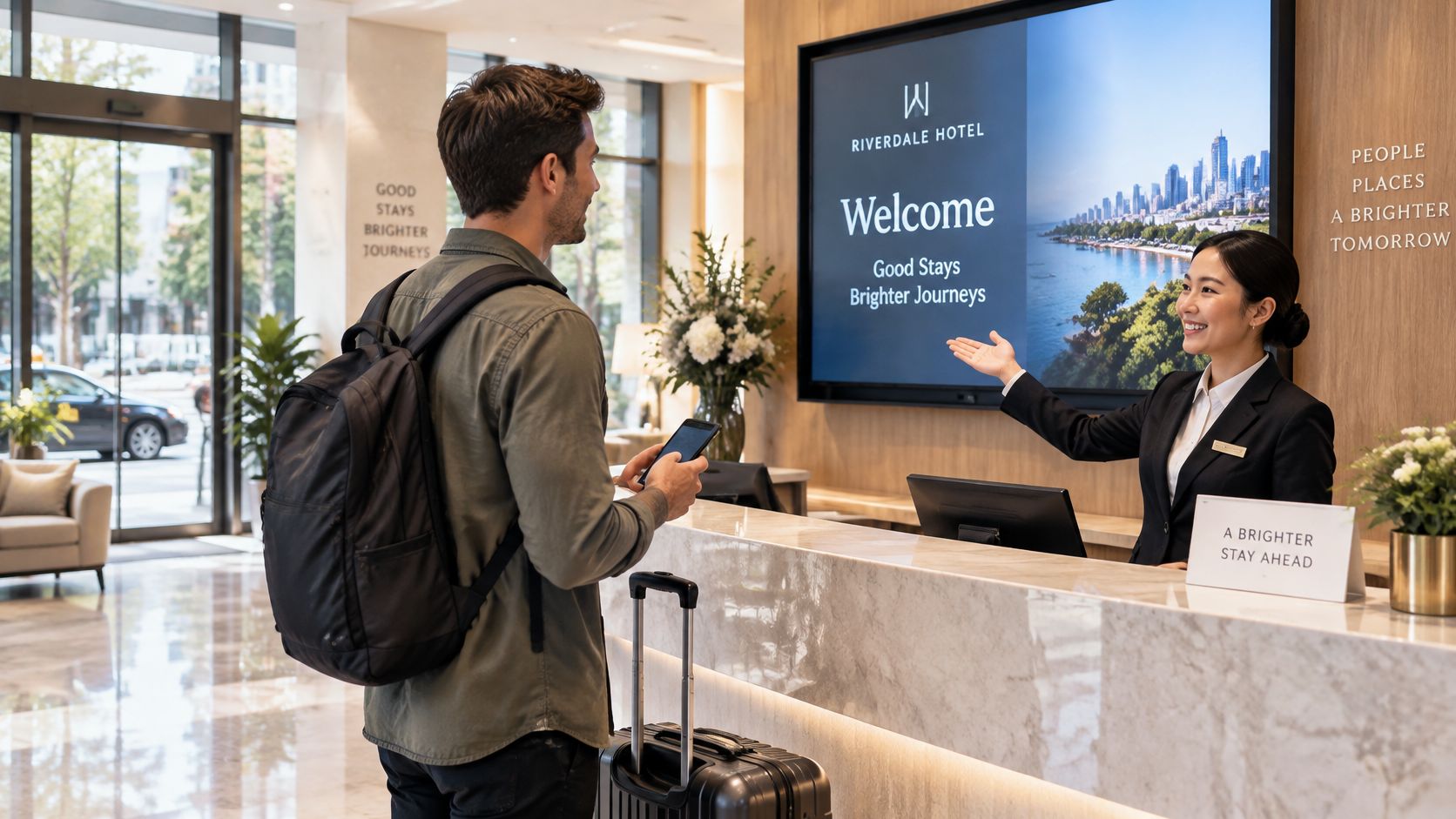
Walk into a hotel and the lobby is open to you. The corridors aren't, not until reception checks you in and hands over a key card. A guest WiFi network works the same way, and the captive portal is that reception desk.
Three parts do the work, always in this order.
That third part is what people remember, which is why the whole system gets called "the login page". It's wider than that.
It isn't encryption, and it isn't a security system. A portal governs admission. It doesn't scramble traffic, doesn't prove the device is clean, and doesn't stop one guest reaching another guest's laptop. Owners who install one and tick "WiFi security handled" are one layer short of a real answer, and that gap runs through everything below.
You'll meet these pages at airport gates, café counters, hotel rooms, stadium concourses and student halls.
Here's a five-second test on any public network. Open a browser and type an address you know well. If a venue page appears instead of the site, the network intercepted your request. The site was never blocked. You hadn't been let in yet.
The whole exchange takes a few seconds and follows the same six steps on almost every platform.
Failure to watch for: a page that never loads is usually a name-resolution problem or a strict browser setting, not a broken access point. Check the simple causes before you replace hardware.
Success looks like this. The first site loads immediately after the page, and a reconnect goes straight through while the session is still valid. If a laptop has to re-authenticate every twenty minutes, the session policy is wrong, not the WiFi.
| Symptom | Likely cause | Fix |
|---|---|---|
| Login page never appears | Strict DNS or HTTPS-only browser setting | Open the portal address directly or change DNS server |
| Certificate warning on a secure site | Gateway intercepting encrypted traffic | Accept the portal page first and do not install unknown certificates |
| Connected but no internet | Session not yet authorised | Complete the portal action, then reload the page |
| Connection drops mid-download | Session timeout or bandwidth limit | Reconnect and resume; ask the venue for the session length |
| Always-on VPN blocks the page | VPN tunnel cannot form before the portal loads | Pause the VPN on the guest network to sign in, then reconnect |
Every method sits somewhere on a line between almost no friction and almost no identity. Read the table as a ladder, not a menu of equally good options.
| Method | What the guest does | Data captured | Typical use | Main weakness |
|---|---|---|---|---|
| Click-through terms | Accepts the terms of use | Device and timestamp | Cafés and short visits | No identity; weakest deterrent |
| Email address capture | Enters an email address, sometimes verified | Email address | Marketing and footfall | Fake addresses; needs clear consent |
| Social or third-party login | Signs in with an existing account | Profile data the provider releases | Hospitality and retail | Privacy exposure; reliance on another provider |
| Voucher or access code | Enters a code from a receipt or desk | Code redemption | Hotels and events | Codes get shared; manual distribution |
| Shared username and password | Enters a common credential | Little, unless each user has one | Libraries and small venues | Widely shared; rarely rotated |
| SMS one-time passcode | Enters a mobile number and a code | Verified mobile number | Public WiFi needing verification | Depends on SMS delivery; numbers can be reused |
| Certificate or single sign-on profile | Installs a profile or signs in once | Verified identity | Staff, students and residents | Needs device enrolment and directory set-up |
Click-through terms do one job well: they put the acceptable-use policy in front of every person who connects, and they record when that happened. Beyond the device and the timestamp, they capture nothing, so don't describe them to a client as visitor identification.
Email capture adds a marketing asset, but only if you verify the address and state plainly what it will be used for. A meaningful share of addresses typed at a portal are invented on the spot, and a list full of them flatters a report while failing a campaign. Social and third-party logins cut typing and hand you richer profiles, though the guest's relationship with that provider now sits inside your onboarding flow.
Vouchers suit paid access in hotels and events, where distribution happens at a desk or on a receipt, and they depend entirely on that distribution working. Shared credentials remain common in libraries and small venues because they're cheap to run, and they stay unchanged for years because nobody owns the rotation. If a shared key is your model, shared WiFi passwords have limits worth understanding before you scale it.
Choose the lightest method that still answers the business question you have.
If the question is "has this person seen our terms", click-through is enough. If it's "can we contact this person again", you need email with verification and a consent record. If it's "is this the same resident or student we provisioned last term", you need a certificate or directory identity with automatic revocation.
The more identity you demand, the more set-up work the venue or estate has to accept, and that work lands on your engineers, not on the guest.
Ask a hotel, a council and a build-to-rent landlord what their portal is for and you will get three different answers. The page looks the same in every setting. The job it does changes completely.
That last setting catches out teams who learned on hospitality. A hotel guest stays two nights and never returns. A resident stays a year, runs a smart TV, a games console and a work laptop, and notices immediately when the network treats them like a stranger every morning.
Whatever the setting, the page only decides who gets in. Filtering, isolation between users and a genuine record of consent are separate layers, and an accepted login screen is proof of none of them.
Matching rule: visitors need quick terms and light data, public bodies need filtering and audit trails, residents need private, persistent access that survives reconnection.
Get the match wrong and you'll spend the support budget proving it.
Start with what the guest gets. One page, one decision, and a clear signal that this is the venue's official network rather than a look-alike broadcasting the same name. When something breaks, staff have a place to point people.
The operator's list is longer. Acceptance of terms is recorded, content categories can be filtered, footfall and return visits can be counted, and the page becomes a channel for offers, surveys and announcements.
The costs are just as concrete. Every new device adds a step, and a returning guest asked to re-enter details on a third visit often stops bothering. Browser dependency is the hard limit: consoles, smart speakers, tills, printers, sensors and anything else without a screen can't load a web page, so they fail authentication unless you give them a separate route onto the network.
Randomised hardware addresses make it difficult to tell one visitor with three devices from three visitors with one device each. Visitor counts built on device addresses can be badly wrong in both directions, and a client who has built a business case on footfall growth will eventually ask why the numbers don't match their till receipts.
Every field you add to the page buys you reporting and costs you completions.
That's the trade-off in one line. A lighter page finishes more often; each extra data field improves the report and lowers the finish rate.
So measure the completion rate alongside every field you add. Treat a falling rate as the signal to remove a field, not to push harder on the people standing in the lobby.
A login page is often mistaken for a security control, and the mistake gets expensive when the network behind it carries clinical, corporate or payment-adjacent traffic. All the portal does is decide who gets through the door. It says nothing about what the door is made of.
Public WiFi security is often weaker than it looks, and an accepted login does nothing to protect administrative systems or workstations that share the same path. What a completed splash page proves is narrow: someone clicked, and the network let them through. It doesn't prove the connection is encrypted, the device is patched, or the person behind the screen matches the email address they typed. The page controls admission. The traffic that follows is a separate question.
Treat the portal as one layer. Client isolation, guest-network separation, encryption, monitoring and protection of administrative systems all sit around it, and none of them is an optional extra. If you want to see how those layers fit together, network access control covers the enforcement side.
Three purposes blur together on most splash pages: giving internet access, accepting acceptable-use terms, and collecting data for marketing or analytics. Each rests on a different legal basis, so they should never share a single tick box.
Under the ICO guidance on storage and access technologies, PECR applies to technologies that store information or access information stored on a user's terminal equipment, and may require clear information and consent. UK rules on location data go further: identifiable location information may generally be processed only where it's anonymous or necessary for a value-added service with user consent, and before consent the provider must disclose the data types, the processing purpose, the duration and any third-party transfer, with consent withdrawable at any time through a simple, free mechanism, per guidance on sharing workplace wireless networks.
Plain test: if refusing the newsletter stops the WiFi from working, that isn't consent. It's a condition.
Where a venue measures return visits, dwell time or repeat footfall, it's processing identifiable or device-linked information. That calls for a lawful basis, a transparent notice, retention limits and, in higher-risk monitoring, a Data Protection Impact Assessment. Access and consent are two doors, and the guest should be able to walk through the first without opening the second.
The first decision isn't which portal, it's where the portal lives. A page bundled with one vendor's controller is quick to switch on and awkward the moment a client has three sites and two hardware brands. A hardware-agnostic overlay sits across mixed access points and keeps one set of policies for every site, which is usually what a partner estate needs.
Integration is where projects stall. Four connections have to work: the wireless controller or access points, the RADIUS or directory service, the analytics feed and the branding layer. Test each one with a real client before you quote, because a portal that authenticates beautifully but can't push a session record into the client's reporting tool is half a product.
Roaming comes next. A guest moving between access points on one site, or between two sites on one estate, should keep a valid session instead of meeting the page again at every handover. Then count scale: peak concurrent sessions, the load that puts on authentication servers, and what happens when the portal itself is unreachable. If it can't fail over, an outage becomes a site-wide loss of connectivity.
Here's the constraint that catches out experienced integrators. A device must reach the portal in a browser before it can form a VPN tunnel, which leaves a short period where traffic sits outside the tunnel's protection, and always-on VPN configurations can block the page from loading at all. NCSC guidance on virtual private networks flags exactly this conflict.
The practical pattern is straightforward. Put onboarding in a low-trust guest segment, permit only the DNS and HTTP(S) destinations needed for sign-in, and move to encrypted application or VPN use immediately afterwards. Don't let administrative endpoints complete portal authentication at all.
Any of the five failing is a design problem to fix before launch, not a support ticket to absorb afterwards.
Choose the access model before the splash-page design. A portal page is an admission gate: it can record that someone accepted terms or requested a code, but acceptance is not proof the device is safe, and access consent is not marketing consent.
| Access model | How access is granted | Best fit | Main trade-off |
|---|---|---|---|
| Captive portal | Browser login page on each new join | Visitor WiFi with terms or data capture | Browser-dependent; no verified device identity |
| Passwordless WPA3-Enterprise with single sign-on | Certificate or directory identity, revoked automatically | Staff, corporate and clinical networks | Needs directory integration and device enrolment |
| Identity-based guest access | Opt in once, then reconnect automatically | Returning guests and residents; multi-site estates | Depends on platform and consent design |
A useful test is to name the identity behind each join. If the answer is “a browser session”, expect repeat visitors to see the page again and expect tills, sensors and consoles to need another path. If the answer is a person, device or resident account, check how that identity is provisioned, revoked and carried between sites.
Purple's identity-based guest model is one example to test on a live site: guests opt in once through the Purple app and reconnect automatically on future visits, while browserless devices can use a network pass rather than a page.
Shortlist two options, run both on a real site with real guests, and compare completion rates rather than demo polish. Then get the partner terms in writing, because revenue share, data ownership and exit arrangements decide the recurring revenue your guest WiFi estate can return and are easier to negotiate before the contract than after it.
Purple gives partners a branded captive portal and a faster route past it, with returning guests reconnecting without a page at all. If you are shortlisting platforms for a venue estate or a multi-tenant build, Purple can be tested against your own completion rates on a live site, white-labelled as your service. Partner enablement, deal registration, training and support sit behind the partner portal, with no minimum revenue commitment.
Join 80,000+ venues already running on Purple. No targets, no minimums, just bigger deals.