Captive portal login explained for partners
Captive portal login, explained for partners: authentication flow, security and privacy limits, failure fixes, and when to drop the splash page.
Compare WiFi security types from WEP to WPA3, see which to use in 2026 and learn how to move your network to a safer setup.
If the access point already says WPA3, who can still get in next month, and how fast can you throw them off? Most WiFi advice stops at the protocol label. A shared passphrase, a router that still has its factory administrator password, and a contractor who left in March often decide the actual exposure. WiFi security types still matter, because open networks, WEP and original WPA should not carry business traffic. They do not, on their own, tell you whether access expires when a role ends.
Read the table from the top down. Each row is a different lock: what it encrypts, who it checks, and whether you should still be using it.
| Security type | Encryption | Authentication | Status in 2026 |
|---|---|---|---|
| Open (no security) | None | None | Guest access only, isolated from internal systems |
| WEP | RC4 | Shared key | Retire immediately |
| WPA | TKIP | Pre-shared key | Retire |
| WPA2-Personal | AES-CCMP | Pre-shared key | Defensible baseline when patched |
| WPA2-Enterprise | AES-CCMP | 802.1X certificates or accounts | Staff networks |
| WPA3-Personal | SAE with AES-CCMP-128 | Password via SAE | Preferred where devices support it |
| WPA3-Enterprise | 192-bit security suite | 802.1X certificates or accounts | Highest assurance for sensitive networks |
Open networks encrypt nothing. Anyone in radio range can capture traffic, so they suit only an isolated guest path, never tills, clinical systems or staff file shares.
WEP uses RC4 with a design that allows practical key recovery. Retire it on the next change window, not "when the printer dies". WPA arrived as a stopgap on TKIP and belongs in the same bin.
WPA2-Personal with AES-CCMP and one passphrase is still a defensible baseline when the firmware is current. WPA2-Enterprise adds 802.1X, so each person or device authenticates on its own, which is the right shape for a staff network. WPA3-Personal uses SAE, so an attacker can't take a captured handshake away and guess the password offline. WPA3-Enterprise adds a 192-bit suite for networks where that assurance is worth the client constraints.
Hiding the network name is not a security type. A 2008 Kaspersky Lab survey of UK households found that only 4% of respondents had disabled SSID broadcasting, and it noted that hiding an SSID does not provide meaningful encryption or authentication. The name can still be observed from normal client traffic.
Before you argue about a target state, answer these from the admin page, not from memory.
Think of the last twenty years as a series of locks on the same door.
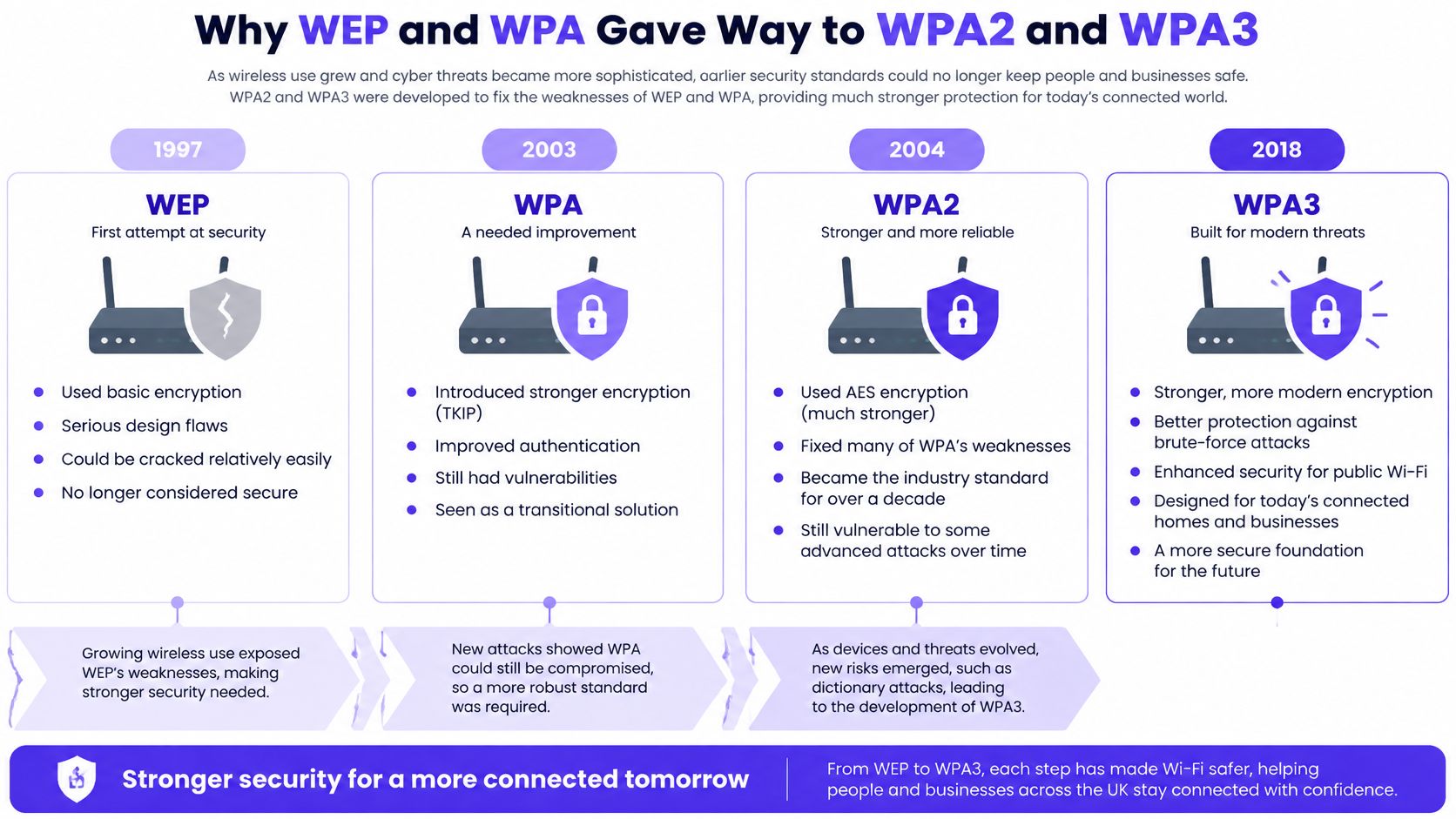
WEP was the first lock most homes and offices deployed. It was built to feel like wired privacy. The design didn't hold, and practical attacks recovered the key from captured traffic. Leaving it on because "the till still connects" keeps a broken cipher in production.
WPA was the temporary lock. Hardware that couldn't jump straight to a new cipher still needed something better than WEP, so TKIP patched the worst behaviour while a proper design was finished. It was never meant to be the end state. If a controller still offers "WPA/WPA2 mixed" with TKIP enabled, that mix keeps the weak option alive for every client that asks for it.
WPA2 replaced that stopgap with the IEEE 802.11i framework and AES-CCMP. It became the practical baseline for homes and for business SSIDs, in Personal mode with one passphrase and in Enterprise mode with 802.1X. That is the generation most UK estates are still living on.
WPA3 is the current lock. SAE replaces the old personal handshake, so password guessing has to happen live against the access point rather than offline against a captured exchange. Protected management frames and better behaviour for devices on public networks sit in the same generation.
The Information Commissioner's Office advises using WPA2, says WPA3 is preferable where it is supported, and identifies WEP and original WPA as having known flaws that do not provide appropriate protection. Support for WPA3 has historically been limited, which is why a mixed estate can't flip one global switch and call it done.
Practical rule: The network is only as safe as the type that is actually configured. Open the controller, read the security mode on every SSID, including the forgotten "test" and "printer" ones, and don't assume the installer left WPA2 or WPA3 on.
A site that "has WiFi" and a site that has a chosen, checked security type are not the same thing. The first job is to see which lock is on the door.
Personal mode is one key on a hook by the door. Enterprise mode is a named badge for each person or device, checked by an authentication server.
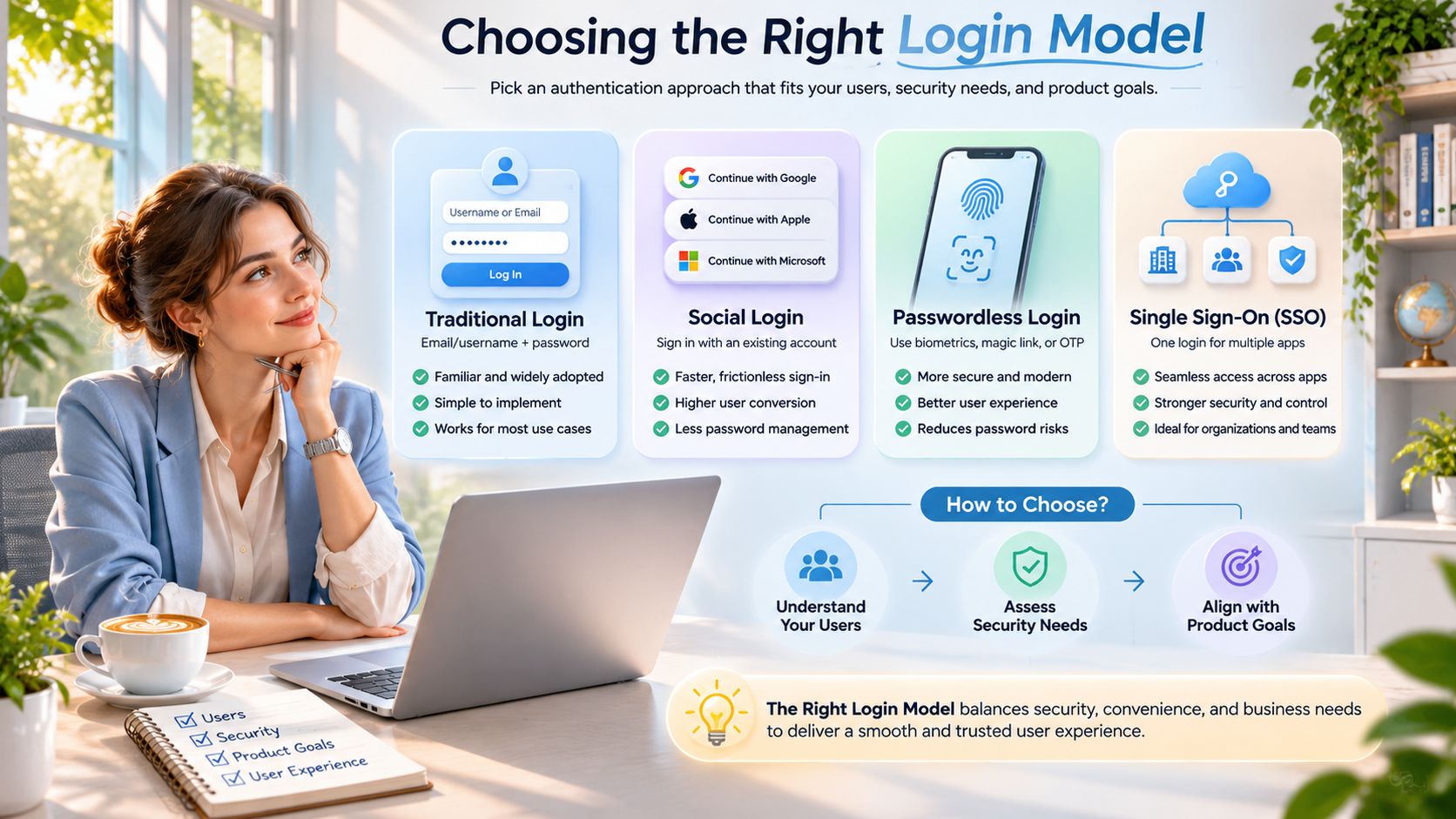
The protocol label does not decide who can be removed. WPA2 and WPA3 both come in Personal and Enterprise. What matters on a live site is whether the credential is shared and permanent, or named and revocable.
On WPA2-Personal or WPA3-Personal, everyone who should connect holds the same passphrase. That is simple, and it is fine while the group is small and stable. The cost shows up when someone leaves. The only clean revocation is to change the passphrase and reconnect every laptop, phone and till. Until you do that, the leaver still has the key. You also can't see which person joined, only that someone who knew the secret did. A long passphrase, and what a sound WPA2 password needs to resist, still doesn't give you a per-person off switch. The secret stays valid until somebody changes it.
Enterprise mode, WPA2-Enterprise or WPA3-Enterprise, sends each user or device to an authentication service over 802.1X. The credential is an account or a certificate, not a secret taped under the router. Disable that one account and everyone else stays online. The authentication log shows who connected and when, which a shared key never will.
Certificate-based access control through 802.1X and WPA2/3 Enterprise is an effective way to keep unauthorised devices off sensitive wireless networks. Certificate provisioning can be time-consuming, and older endpoints and some printers can't do 802.1X or WPA2/3 Enterprise at all.
| Setting | Security type | Credential | How access is revoked |
|---|---|---|---|
| Home network | WPA2-Personal or WPA3-Personal | One shared passphrase | Change the passphrase and reconnect devices |
| Small office with few staff | WPA3-Personal, guest network separate | Shared staff passphrase | Change the passphrase when a role ends |
| Business staff network | WPA2-Enterprise or WPA3-Enterprise | Per-user or per-device certificate or account | Disable the individual account |
| Guest access | Open or captive portal, isolated VLAN | Terms acceptance or time-limited code | Session expires automatically |
| Printers and older devices | Restricted network on WPA2-Personal | Device-specific passphrase | Remove the device from the restricted network |
| Public venue with visitors | WPA2 or WPA3-Personal for the venue, isolated guest VLAN | Portal login or shared guest key | Rotate the guest key or end the session |
I would not drop the staff SSID to Personal because a label printer can't do certificates. Use WPA3-Enterprise where the clients support it, keep WPA2-Enterprise for the laptops that don't, and put the unsupported printers and IoT on a restricted network with a narrow set of destinations. That path keeps a common password off the staff segment. A home and a five-person office can live on Personal mode if someone owns the job of changing the key when a person leaves. A business staff network should not share one passphrase that outlives the people who knew it.
A 40-room hotel retires WEP, turns on WPA2, and treats the project as finished. The protocol change was worth doing. Three gaps are still open on Monday morning, and they have little to do with the name on the security type. Shared passwords, stale firmware and credentials that never expire usually matter more.
UK NCSC guidance on KRACK states that the vulnerability affected all wireless device types using WPA2, Personal and Enterprise alike, and could allow an attacker to read encrypted traffic or inject traffic in certain circumstances. It did not let an attacker derive the WPA2 password or join the network outright. It was an encryption-session and traffic-integrity risk. The response was to patch access points and clients, prefer AES-CCMP over deprecated TKIP, and temporarily disable 802.11r fast roaming and vulnerable GCMP settings until the equipment was updated. Enterprise login does not remove that radio-layer job.
WPA3 transition mode lets older WPA2 clients join the same SSID. That is a reasonable bridge, and it is also a downgrade path. A client can be pushed toward the WPA2 handshake while WPA2 is still offered. Check whether transition mode is on, list the device class that still needs it, and set a date to turn it off. Leaving it on forever means the network advertises WPA3 and still accepts the older exchange.
I treat advertised WPA3 as unfinished until transition mode has an end date.
A 2025 Broadband Genie survey of 3,242 UK internet users found that 81% had not changed the administrator password and 84% had never updated firmware. Factory settings and stale firmware sit underneath whatever cipher you picked. WPA2 private networks remain far safer than open public WiFi, so the hotel was right to leave WEP. Stopping at the label left the admin password and the firmware train untouched.
Run this in the next maintenance window. Patch access-point and client firmware from the vendor's current train, change every default administrator password, set AES-CCMP rather than TKIP anywhere WPA2 remains, and review transition mode before you tell anyone the site is on WPA3.
Encryption locks the envelope. These controls decide who may enter the building and which rooms they can open. None of them is a substitute for the security type on the SSID.
A captive portal stops an unknown visitor from using the network until they accept terms or sign in. A captive portal on its own does nothing about someone who is already associated to that SSID, and an open SSID under the portal still has no radio encryption. Use it for hotels and guest WiFi, then put TLS on anything sensitive and isolate the VLAN behind it.
VLANs split staff, guest and IoT traffic so a guest phone can't reach the till or the building controller. A compromised staff login still works inside the staff VLAN. Segmentation limits the blast radius. It doesn't vouch for the person.
MAC filtering keeps casual devices off a short, fixed list. MAC addresses are trivial to copy, so it is a speed bump for a home office with six known devices, never the only control on a venue.
A VPN encrypts traffic between a device and a trusted server across a network you don't control. That suits remote staff and public hotspots. It doesn't replace WPA on the office SSID, and it can't repair a laptop that is already compromised.
802.1X with certificates stops unauthorised devices joining, provided certificates are issued, renewed and revoked with the same care as the directory. A stolen laptop with a valid certificate is still a stolen laptop.
| Control | What it stops | What it does not stop | Typical use |
|---|---|---|---|
| Captive portal | Unvetted visitors using the network without terms or login | Insiders already on the SSID; no radio encryption | Guest and hotel WiFi |
| MAC filtering | Casual devices joining a fixed network | MAC address spoofing; weak alone | Small fixed device lists |
| VLAN segmentation | Guest and IoT traffic reaching internal systems | Compromised accounts inside their own VLAN | Separating staff, guest and IoT traffic |
| VPN | Eavesdropping between device and VPN server on untrusted networks | Compromised devices; does not replace WPA | Remote staff and public hotspots |
| 802.1X with certificates | Unauthorised or unrevoked devices joining the network | Weak certificate handling and stolen unlocked devices | Staff networks at scale |
Layer them. A portal without isolation, or a VLAN without a sound security type, is a label with a hole in it.
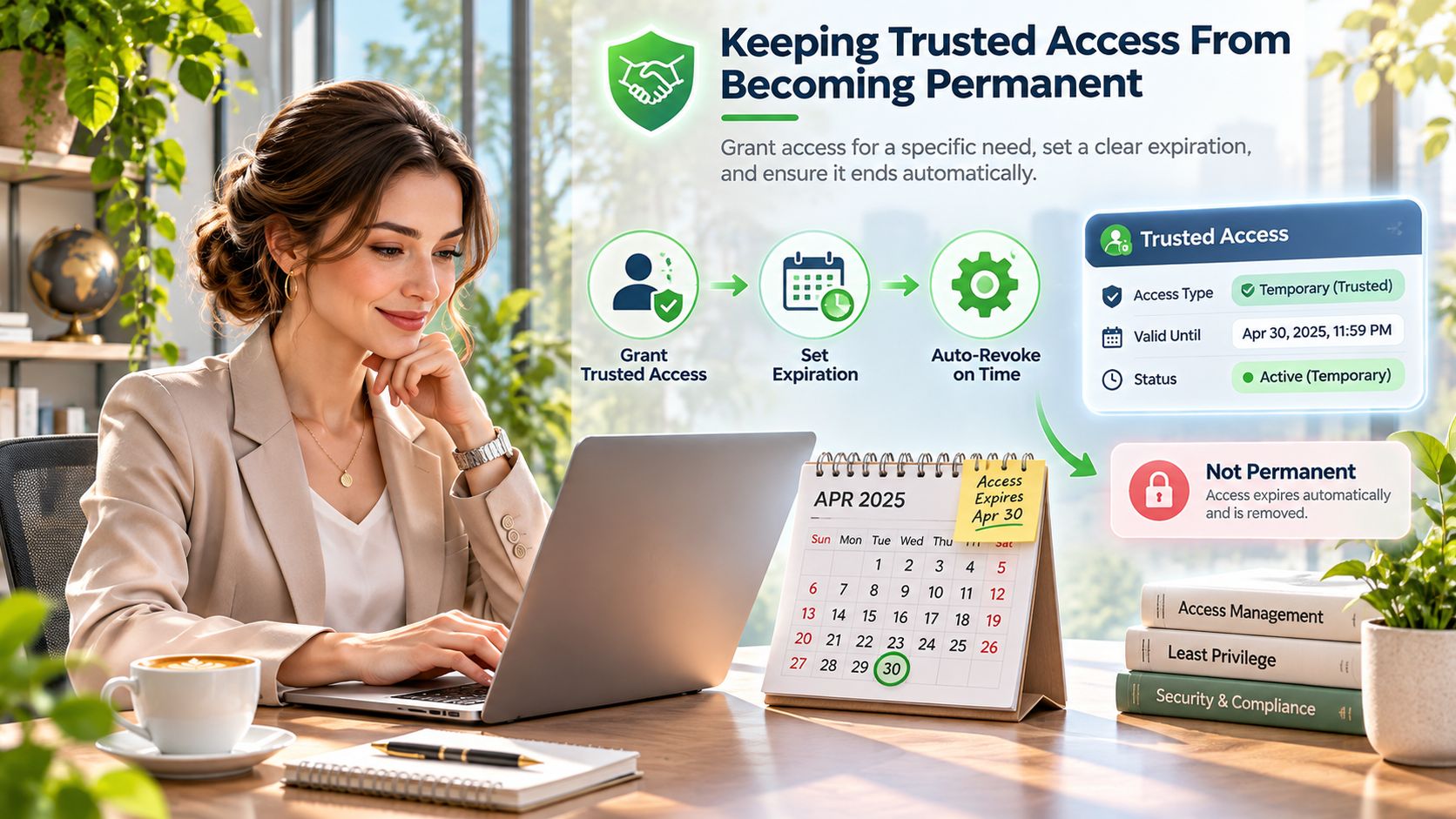
Who still has the key after the contractor leaves? Encryption guides fixate on the protocol label and the password length. The quieter failure is that access outlasts the people who were given it. Once a passphrase has gone to staff, contractors, guests or residents, changing it means reconnecting half the building, so nobody does. Shared passwords, access points left on stale firmware, and credentials with no end date usually matter more than whether the SSID says WPA2 or WPA3.
UK government guidance for schools treats VLANs, segregated guest access, WPA3, wireless intrusion protection, certificate-based authentication and MFA for privileged users as complementary controls, not substitutes for one another. Home router habits point the same way. People rarely change a password when they cannot see what the setting does. If a household will not rotate its own key, a venue will not rotate a staff key that drops twenty tills offline.
| Access model | Identity assurance | Revocation speed | Auditability | Guest privacy |
|---|---|---|---|---|
| Open network | None | Not applicable | None | Low |
| Shared PSK (WPA2/WPA3-Personal) | Low | Slow: change key on every device | Low | Low |
| Enterprise certificates or accounts (802.1X) | High | Fast: disable one account | High | Medium |
| Captive portal with time-limited code | Low | Automatic on expiry | Medium | High |
| Certificate-based guest access | Medium | Fast: revoke the certificate | High | High |
A shared PSK scores low on identity, revocation, audit and guest privacy, because everyone holds the same secret. Directory-backed certificates score high on the first three. A time-limited portal code is weak identity and strong expiry, which is the right trade for a visitor who should be gone by morning.
Check the user and the device each time they connect. Grant only what that role needs. Recheck when the role, the device health or the location changes. That is an operating rule, not a product name.
A guest SSID stays contained when guest traffic cannot reach internal systems, and when you have tested that from a guest phone rather than trusted the VLAN diagram. Certificate-based or directory-backed staff access removes the temptation to keep one permanent password because changing it is a nightmare.
Every credential needs an owner, an expiry or a review date, and a documented way to revoke it within the hour. If you cannot name those three, the security type is not being governed.
A 2024 NordVPN broadband security report found that 85% of more than 3,000 surveyed UK residents failed to identify key broadband and WiFi security measures. Your clients will not design this for you. Walk these checks before you roll a managed estate, and write the answers into the approach to securing WiFi you hand over.
For multi-tenant clients, keep each tenant's directory, certificates and logs apart. When those six are true, WiFi is an identity service. The client's directory is the source of truth, and no site is left on a shared passphrase.
Work in this order. Skipping ahead is how a door controller forces the whole site back to a shared key.
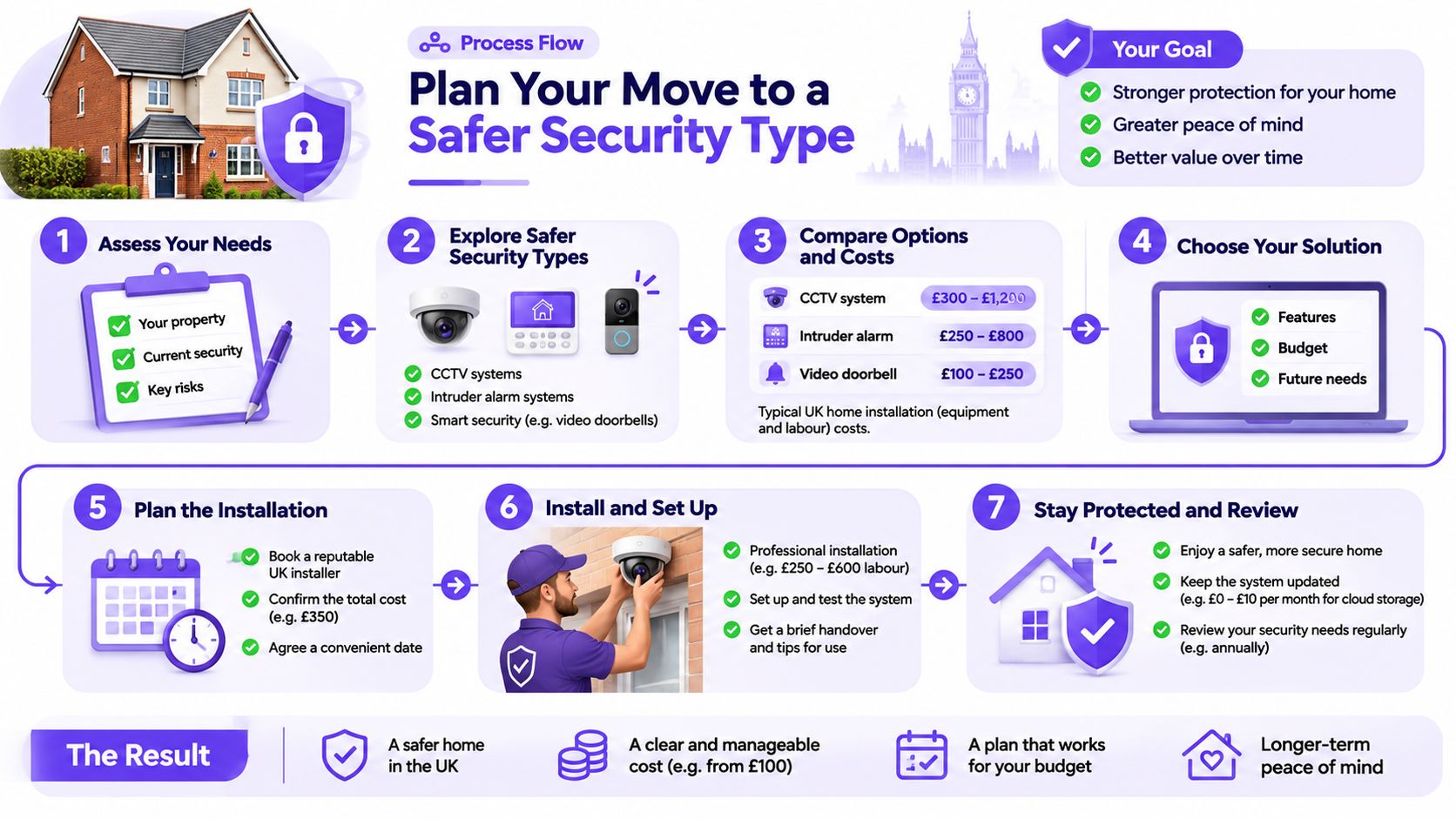
The first action this week is the inventory. Don't change a cipher until you know which SSIDs exist and which devices will fall off if you do.
Purple's Staff WiFi puts staff on WPA3-Enterprise, with provisioning and revocation tied to Entra ID, Google or Okta, so a leaver loses WiFi when their account is disabled rather than when someone remembers to change a shared key. It runs as a cloud overlay on the access points you already have. If shared passwords are still holding your sites together, talk to Purple about running that identity path on the estate you manage.
Join 80,000+ venues already running on Purple. No targets, no minimums, just bigger deals.